
Help Center
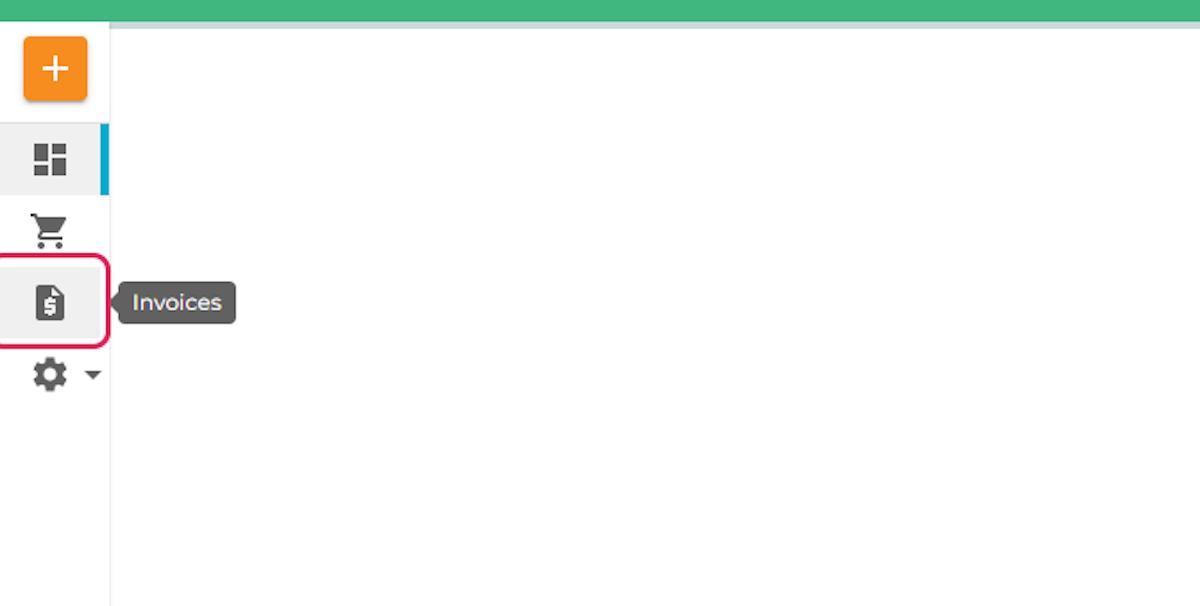
1. Click on the Invoices tab on the left panel
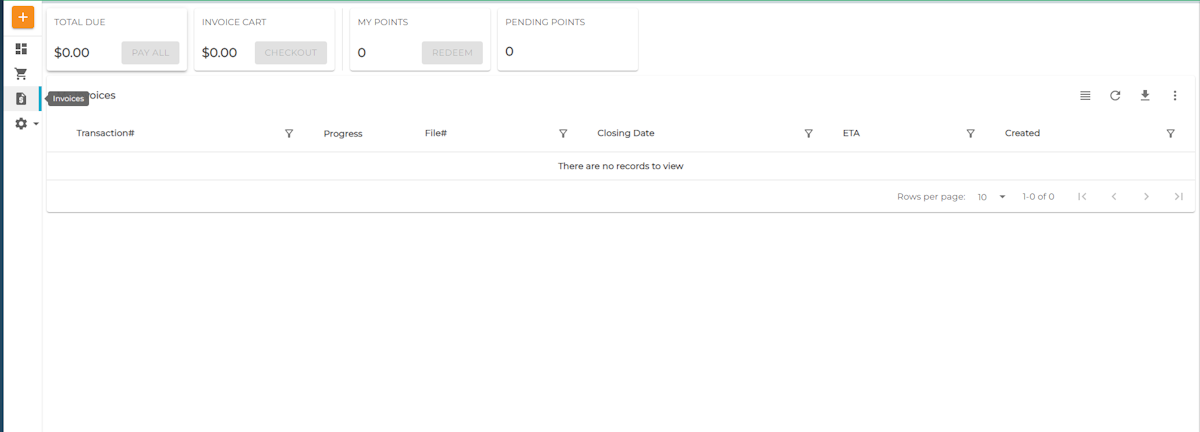
2. A list of all paid and unpaid invoices will be found here
If you have trouble finding this information, email support@proplogix.com and someone will assist you with your request for the information.
